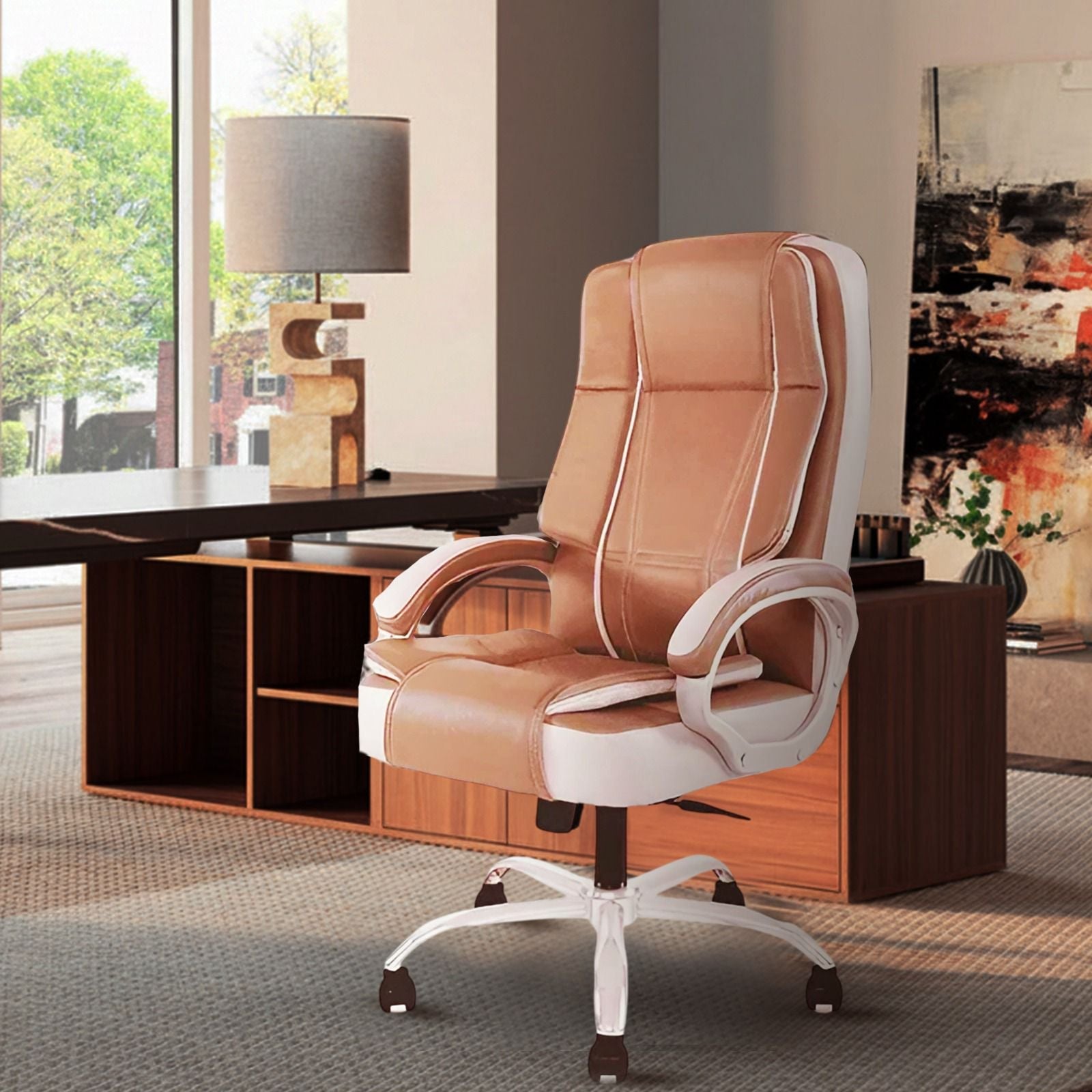
Working from home offers flexibility, but it also means spending several hours at a desk without the seating arrangements typically available in a traditional workplace. Whether you work from a dedicated home office, bedroom, or compact study area, your chair can influence how comfortably you complete daily tasks.
Choosing the right office chair involves more than selecting an attractive design. The ideal option should fit your body, support your sitting position, accommodate your desk setup, and remain comfortable throughout your working hours.
Start With Your Daily Working Hours
The first thing to consider is how much time you spend sitting each day.
Someone who works at a desk for two or three hours may have different seating requirements from a professional who spends eight hours attending meetings, typing, and completing computer-based tasks.
For full-time remote work, prioritize supportive cushioning, adjustable seat height, appropriate back support, and the ability to change sitting positions.
An office chair intended for everyday use should accommodate your working routine rather than simply look suitable in your room.
Choose a Chair That Fits Your Body
Chair dimensions matter because people have different heights, leg lengths, and body proportions. A chair that feels comfortable for one person may not provide the same experience for another.
Consider three important measurements:
Seat Height
Your feet should rest comfortably on the floor or a suitable footrest while your knees remain at a natural angle.
Seat Depth
The seat should support your thighs without pressing against the backs of your knees. Ideally, you should be able to sit against the backrest while leaving a small gap behind your knees.
Seat Width
Choose a seat that provides enough room to sit comfortably without feeling restricted.
These measurements can help you identify a chair that fits your body instead of forcing you into an uncomfortable position.
Pay Attention to Lower Back Support
Lower back support is especially important for people who spend long hours working at a computer.
A poorly positioned backrest may encourage slouching or leave the lower back unsupported. Over time, remaining in uncomfortable positions can contribute to muscle fatigue and stiffness.
When comparing an office chair, check whether the backrest supports the natural curve of your lower back.
Adjustable lumbar support can be useful because it allows users to position the support according to their height and sitting preferences. However, even a fixed backrest can be suitable when its shape fits the user properly.
Consider High Back vs Mid Back Designs
Both high-back and mid-back designs can work well in a home office, but they serve slightly different preferences.
A high-back chair extends further up the back and may provide additional upper-back support. Some designs also include headrests.
A mid-back chair generally has a more compact backrest, making it suitable for smaller workspaces or users who prefer less upper-body coverage.
The best choice depends on your body proportions, sitting habits, available space, and desired level of support.
Look for Adjustability That You Will Actually Use
Not every adjustable feature is equally important for every user.
Start with seat-height adjustment, which helps align your body with the desk. Adjustable armrests can also be valuable, particularly when your keyboard and mouse are used for several hours.
A reclining or tilt mechanism may allow you to change positions between focused tasks and short periods of relaxation.
When choosing an office chair, prioritize adjustments that solve practical problems in your existing workstation instead of selecting the option with the longest feature list.
Choose Materials Based on Your Home Environment
The temperature and ventilation of your workspace can influence how comfortable different chair materials feel.
Mesh backrests allow airflow and may suit warmer rooms or people who prefer breathable seating.
Cushioned and upholstered designs offer a different feel and may appeal to users who prefer softer contact surfaces.
Leatherette can provide a professional appearance and is generally straightforward to wipe clean when maintained appropriately.
Rather than assuming one material is best for everyone, consider your room temperature, cleaning preferences, and personal comfort.
Make Sure the Chair Fits Your Desk
A comfortable chair can still create problems if it does not work with your desk height.
For example, armrests that are too high may prevent the chair from moving close enough to the desk. A seat that cannot be adjusted appropriately may leave your shoulders raised while typing.
Before buying an office chair, measure your desk height and the available space beneath it.
Also consider whether the chair can swivel, roll, and recline without hitting nearby furniture.
This becomes particularly important in bedrooms and small home offices where space is limited.
Don't Ignore Construction and Durability
Daily remote work places repeated demands on the seat, wheels, armrests, base, and adjustment mechanisms.
Look for stable construction, securely attached components, smooth movement, and materials suitable for regular use.
Check the stated weight capacity and whether it comfortably accommodates the intended user.
When shopping online, review dimensions, material information, warranty coverage, assembly requirements, and return conditions.
A chair that performs reliably over time can offer better overall value than one chosen solely because of its initial price.
How Much Should You Spend?
There is no universal budget that guarantees the right chair.
Instead, determine which features are essential for your working routine. For someone working from home every day, seat comfort, back support, adjustability, and construction quality are generally more important than decorative details.
Compare options within your budget and identify which features offer practical value.
A well-selected office chair should meet your daily requirements without making you pay unnecessarily for features you are unlikely to use.
Final Thoughts
Choosing seating for everyday remote work requires considering your body, working hours, desk dimensions, room environment, and comfort preferences together.
The right office chair should provide suitable back support, appropriate seat dimensions, useful adjustments, and dependable construction. It should also fit naturally into your home workspace without restricting movement.
Remember that even supportive seating cannot replace regular movement. Standing, walking, and changing positions throughout the day remain important for maintaining comfort during long working hours.
By prioritizing practical features and proper fit over appearance alone, you can create a home workstation that supports comfortable, focused, and productive daily work.